#1 Service Desk for Microsoft Teams
The ITSM360 Service Desk is a Microsoft 365 app for handling IT and ESM tickets. Incidents, service requests, SLAs, and ITIL-aligned processes, all organised and automated inside Teams, without switching between tools or portals.

See the Service Desk in action
This is what ITSM360 looks like inside Microsoft Teams. Click through the interface to explore.
Teams and channels
ITSM360 · TICKET APP · ALL TICKETS
| ID | Priority | Status | Created | Process | Subject | Assigned Person |
|---|---|---|---|---|---|---|
| INC-6971 | Low | In progress | 25.10.2025 14:27 | Incident | Unable to open encrypted email from us | Thomas Bo Nielsen |
| INC-6970 | Low | Awaiting requester | 25.10.2025 13:52 | Incident | No reports in CRM | Service Desk Agent |
| REQ-6969 | Very low | In progress | 25.10.2025 13:43 | Asset Handling | Equipment Request | Service Desk Agent |
| INC-6968 | Very low | New | 25.10.2025 13:41 | Incident | my pc is not stable any more | |
| INC-6967 | Very low | New | 25.10.2025 13:38 | Cybersecurity | I have a phishing email | |
| INC-6966 | Very low | Awaiting requester | 25.10.2025 13:36 | Incident | My EU sales report is not showing any data | Service Desk Agent |
| REQ-6965 | Very low | Awaiting requester | 25.10.2025 13:24 | Service Request | Request non-standard software or digital subscri.. | |
| INC-6964 | Medium | Awaiting requester | 25.10.2025 13:31 | Incident | No CRM reports from the US region |
Click a ticket to see the detail view · Click “← Back” to return
Real screenshots from the platform
These are actual screenshots from the ITSM360 Service Desk running in SharePoint.
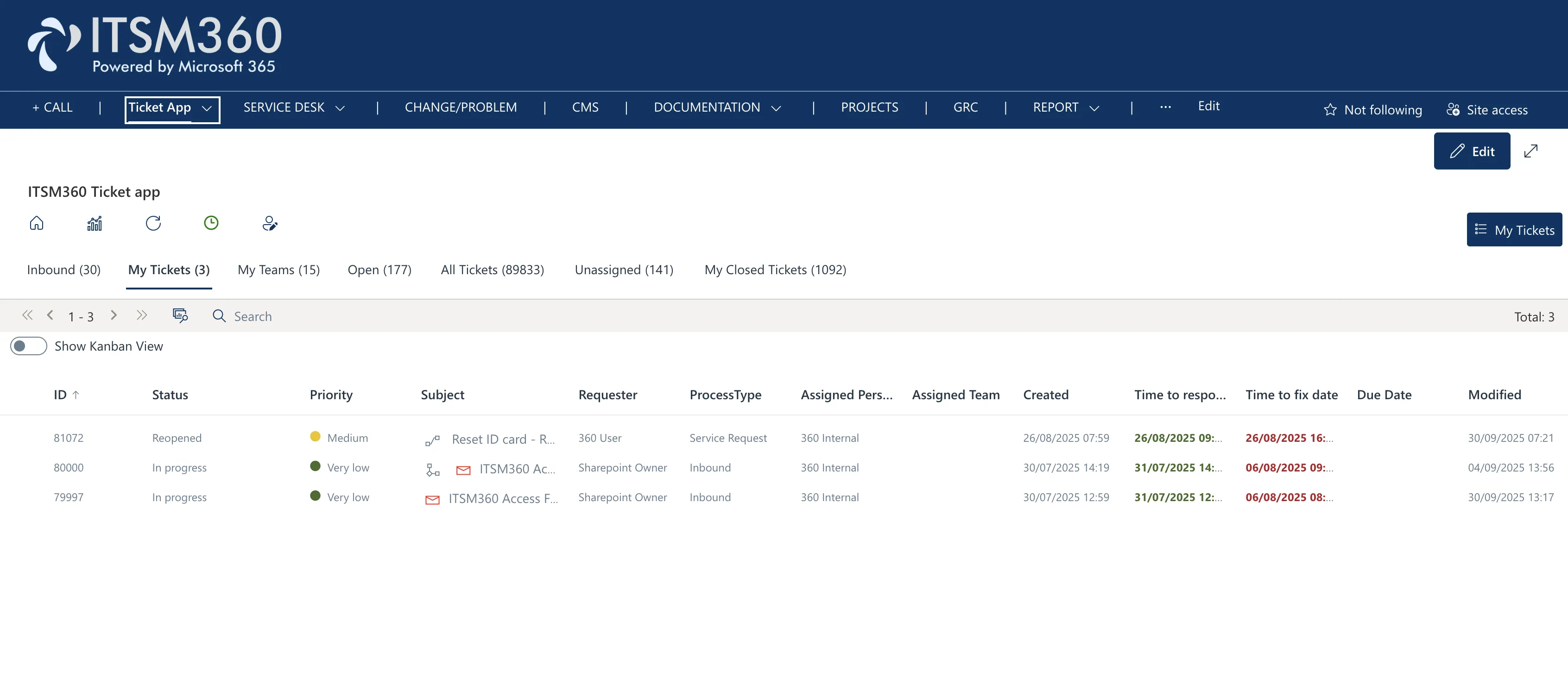
Service Desk showing all tickets in list view with status, priority, and SLA tracking
Ticket lifecycle
From submission to resolution. Every step tracked and automated inside Microsoft 365.




Key capabilities
Everything you need to manage tickets, from intake to resolution.
Unified Ticket Inbox
All tickets from all channels in one place. Email, Teams chat, self-service portal, or manual entry. Everything lands in the same queue.
SLA Management
Define response and resolution targets per priority level. The app tracks SLA status automatically and alerts your team before a breach.

Categories and Templates
Categorise tickets by type, department, or service. Use templates to pre-fill common request types and speed up ticket creation.
Smart Notifications
Get notified in Teams when tickets are assigned, updated, or approaching SLA deadlines. No email overload, just the right alerts.
Dashboards and Analytics
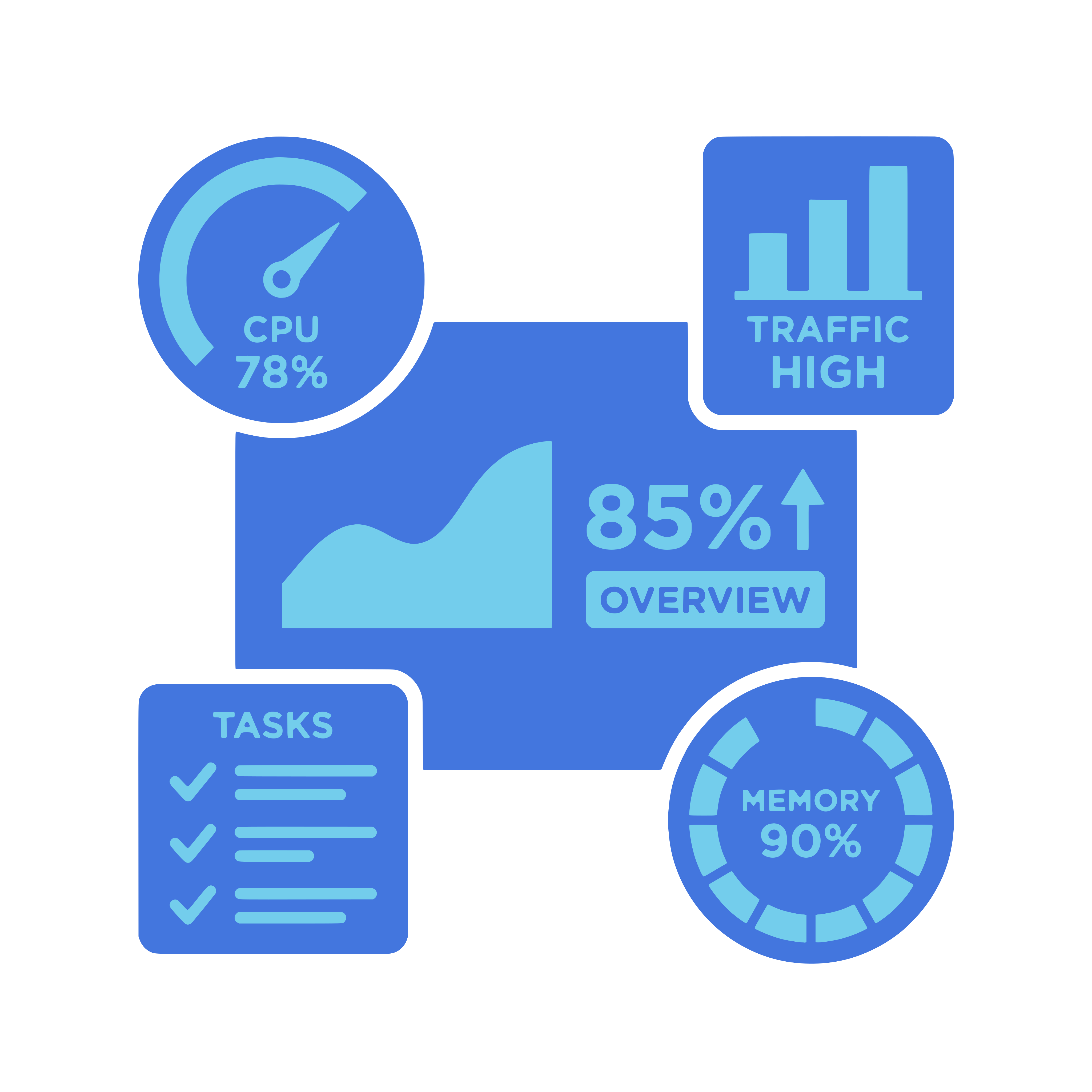
See ticket volumes, team performance, resolution times, and trends at a glance. Filter by team, category, priority, or time period.

Automation with Power Automate
Automate ticket assignment, escalation, notifications, and status updates. Connect ticket events to any system through Power Automate.
The Service Desk is the heart of your ITSM, these core products plug right in.



See the Service Desk in action
Book a demo and we will show you how service desk work happens inside Microsoft Teams.
Request a demo